
Plan for · Group trips
A group trip itinerary everyone can find.
Lay the trip out once, send one code, and everyone has the plan on their phone: what is on now, where to be next, and when to leave.
Pinned: the plan, ready to paste into the app
Free group trip itinerary template
Fill in the brackets, or keep them and change the plan in the app later.
City weekend: [name]

Friday [date]
[time] Flight [number] from [airport]
[time] Check in at [where you are staying]
19:30 Dinner at [restaurant]

Saturday [date]
10:00 [Morning plan]
13:00 Lunch at [place]
15:00 [Afternoon plan] · [who is going]
20:00 [Evening plan]

Sunday [date]
11:00 Check out
[time] Flight home

Who is coming: [names]
A week away: [name]

Saturday [date]
[time] Flight [number] from [airport]
[time] Pick up the car at [airport]
17:00 Check in at [villa or hotel]
20:00 Dinner at [restaurant]

Sunday [date]
10:00 [Beach or pool]
13:00 Lunch at [place]
19:30 Dinner at [restaurant]

Monday [date]
09:30 Day trip to [place] · [who is going]
15:00 [Afternoon plan] · [who is going]
20:00 [Evening plan]

[The other days]
[time] [Plan] at [place] · [who is going]

Saturday [date]
10:00 Check out
[time] Flight home

Who is coming: [names]
Road trip: [name]

Friday [date]
09:00 Pick up the cars at [place]
12:30 Lunch in [town]
17:00 Check in at [first stop]

Saturday [date]
10:00 Drive to [next stop] · [who is in which car]
13:00 [Stop on the way]
18:00 Check in at [next stop]
20:00 Dinner at [restaurant]

Sunday [date]
10:00 Drive home
[time] Drop the cars at [place]

Who is coming: [names]
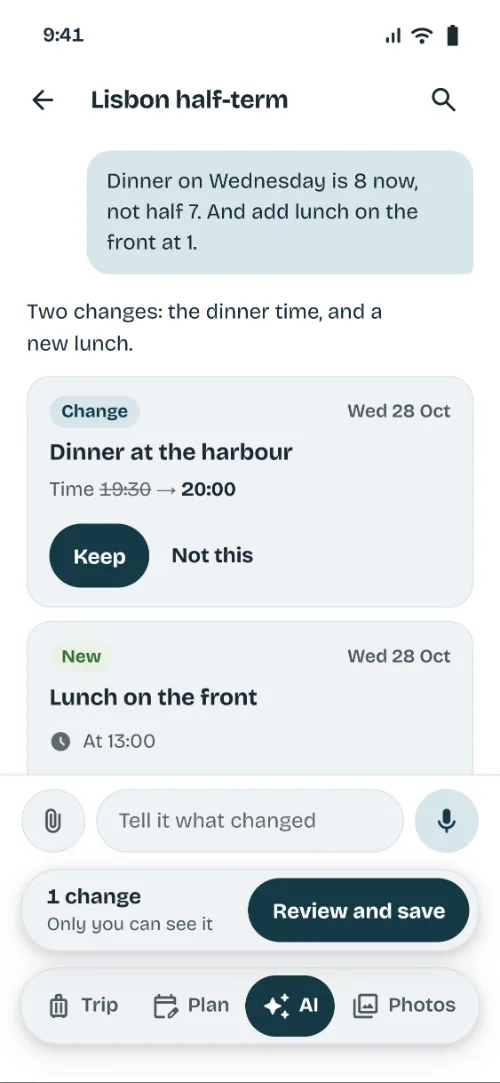
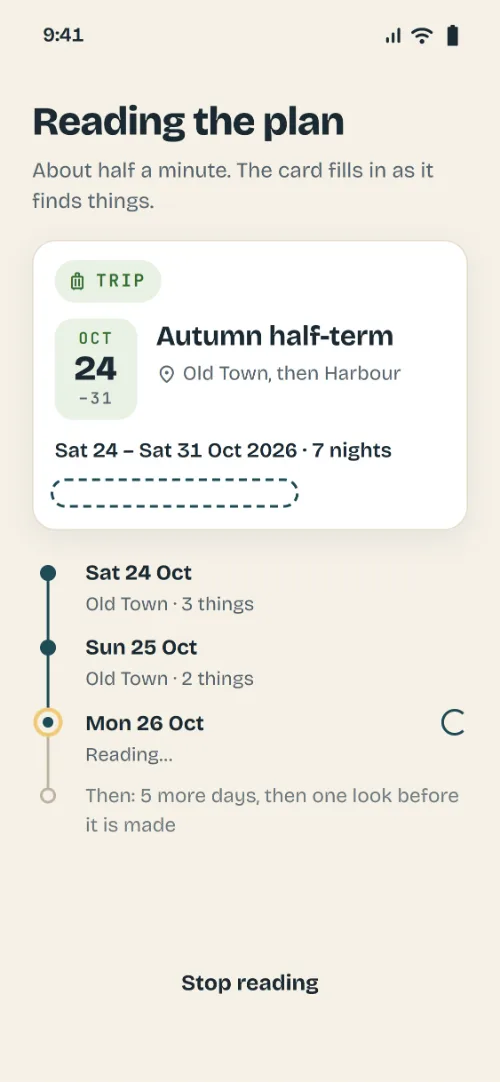
Then in the app: Make an itinerary, Start from the plan you have, and paste it in. It lays the days out for you to check.
How it goes
From the group chat to the photos afterwards.
Before
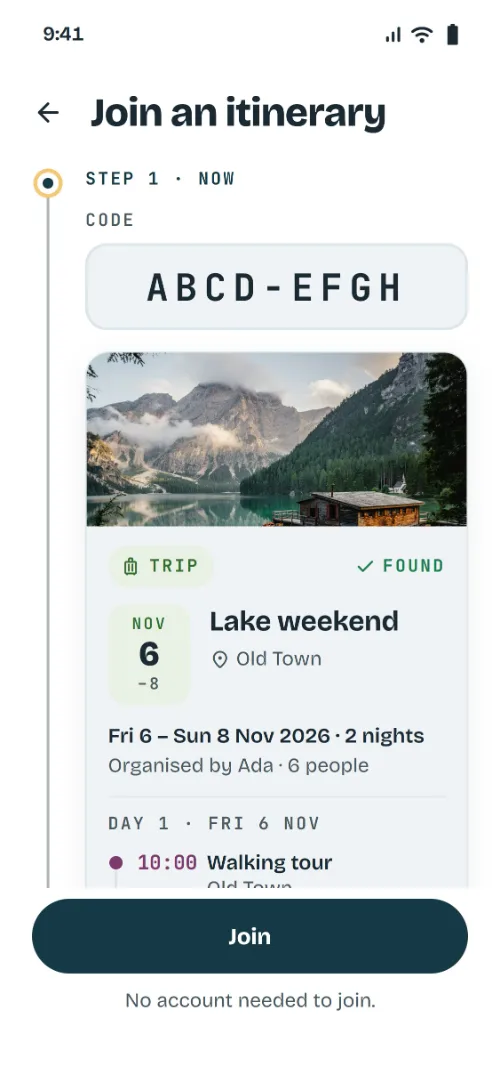
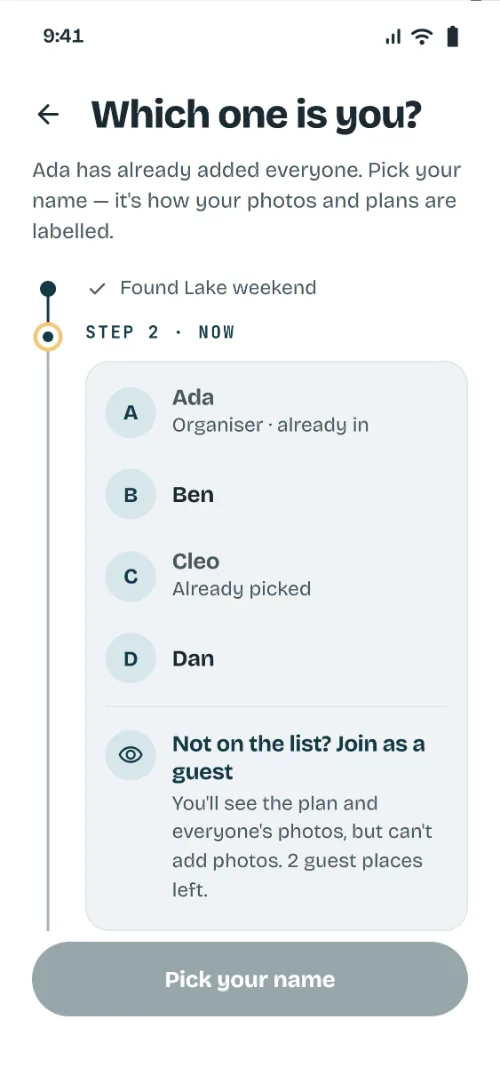
Copy the template, paste it into the app and check the days. Send one code, and everyone picks their name from your list.
On the day
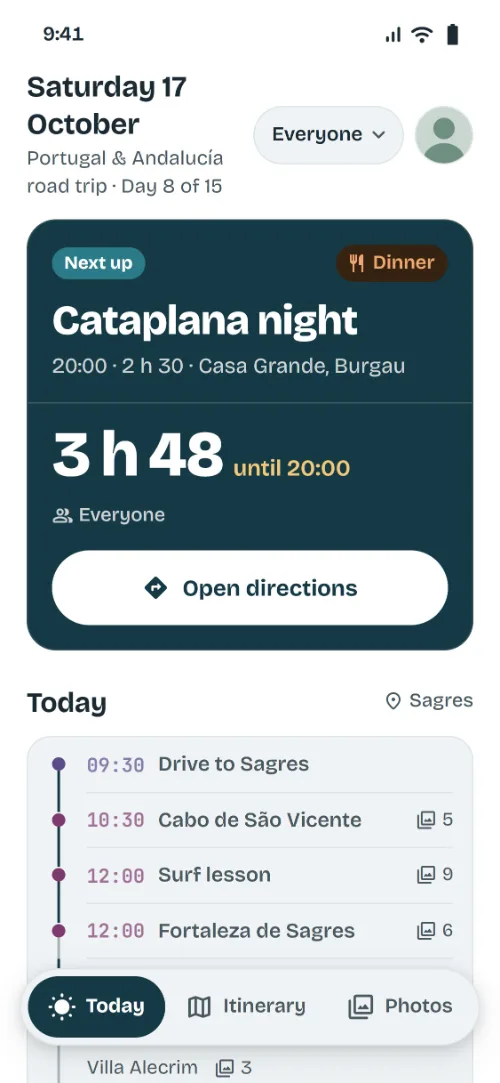
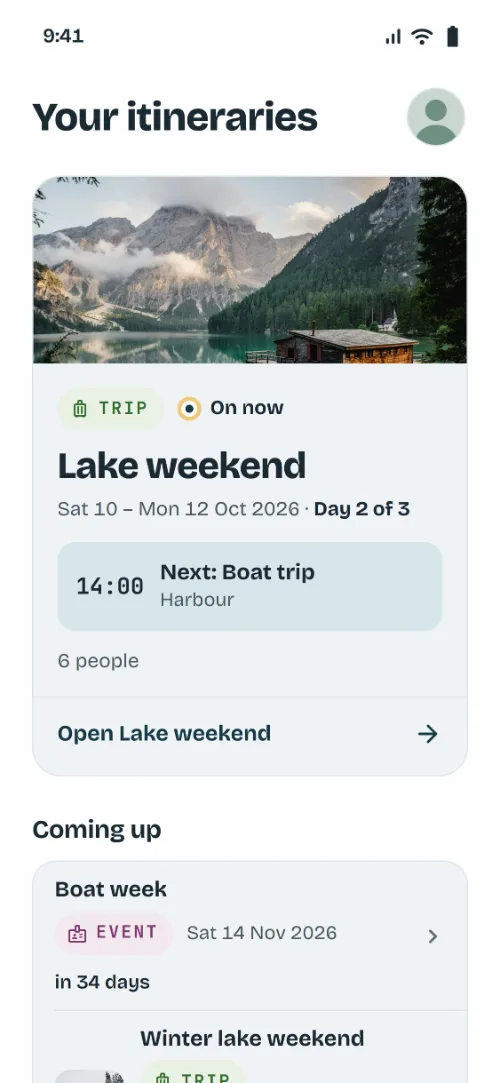
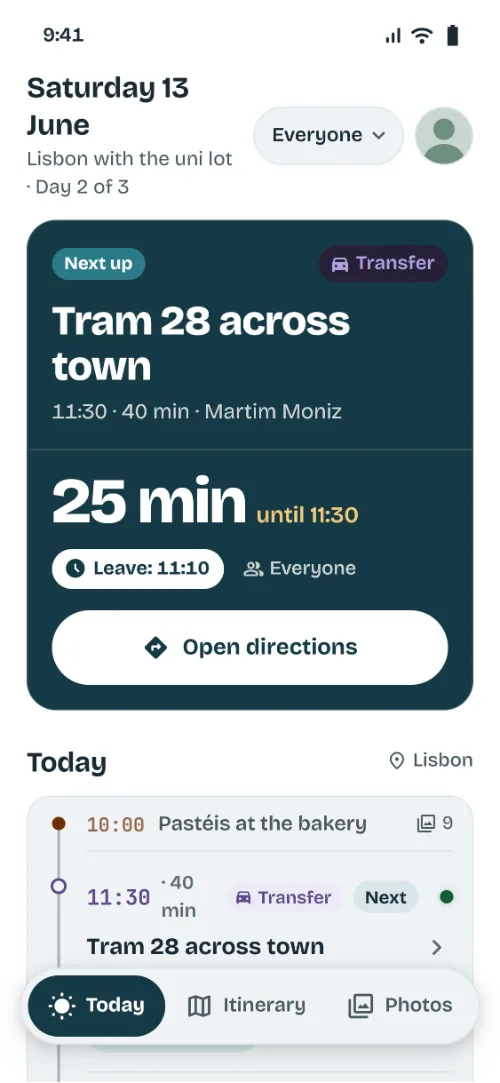
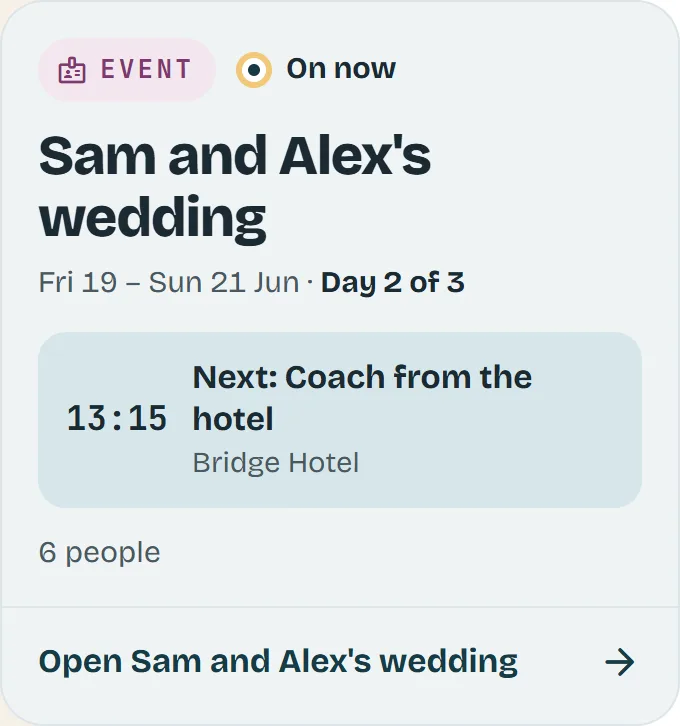
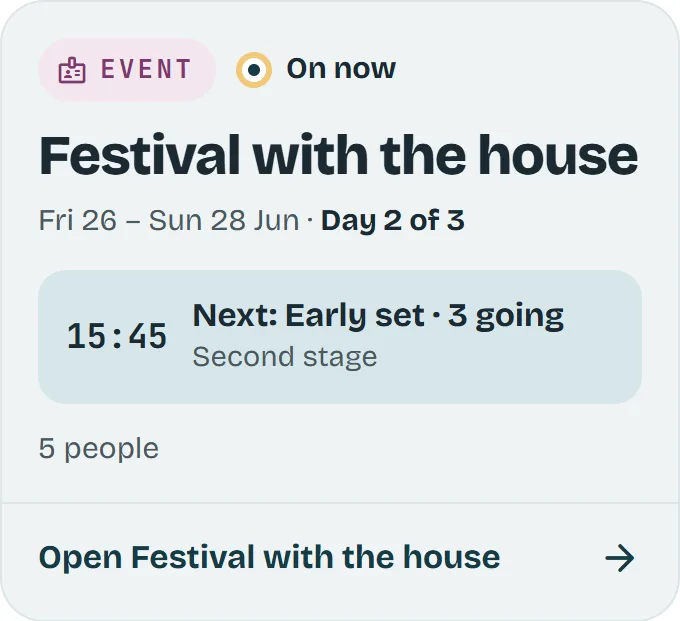
Today shows what is on now, what is next and when to leave. Change a time and everybody is told.
After
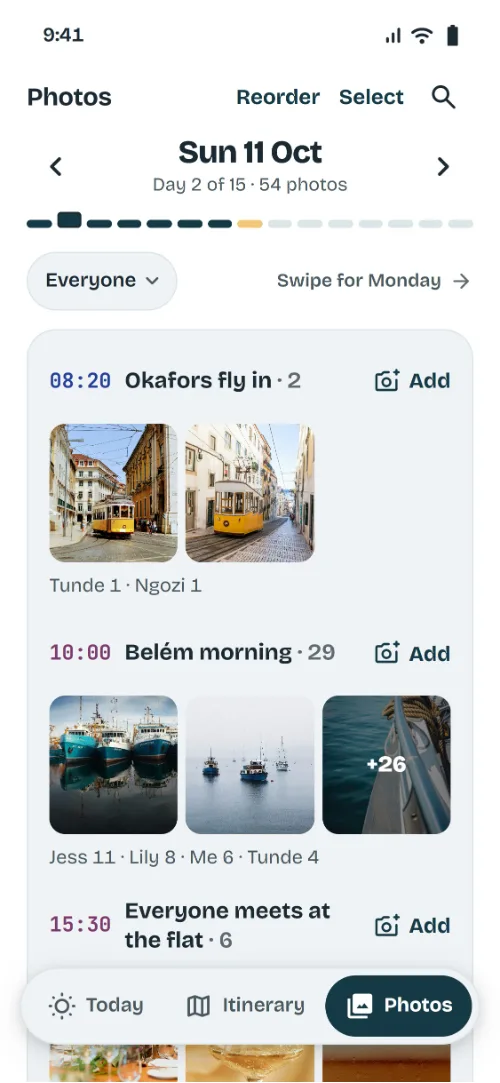
Everyone's photos land on the activity they were taken at, so it reads back in order.
The trip, in the group chat
Four questions you will get, and where the app answers each one.
FRI 21:10
BenWhat are we doing tomorrow?
LilyAnd what time?
Plan for tomorrow? On every phone.
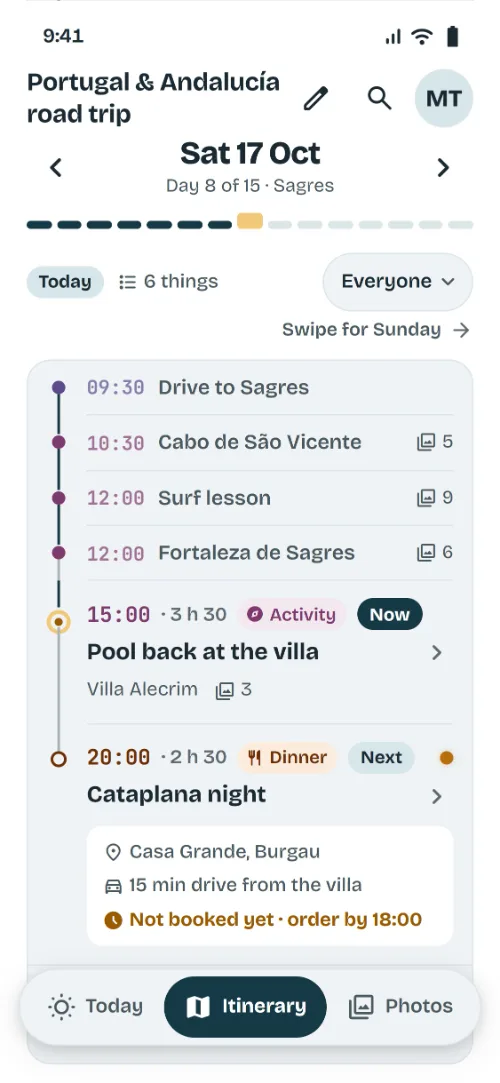
The whole trip, day by day, on everyone's phone, with what is on now and what is next.
SAT 10:52
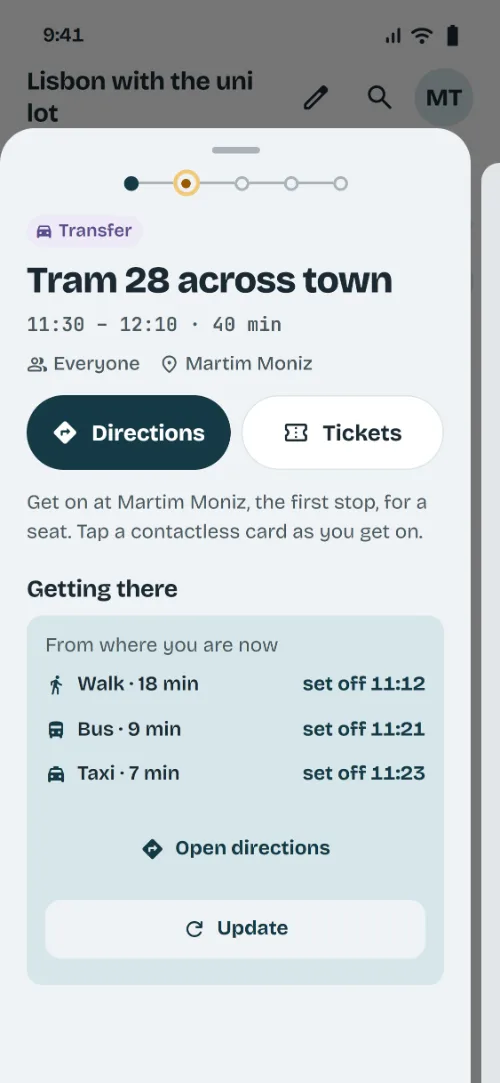
TomWhere do we get the tram?
JessHow long from here?
Where is it, and how far?
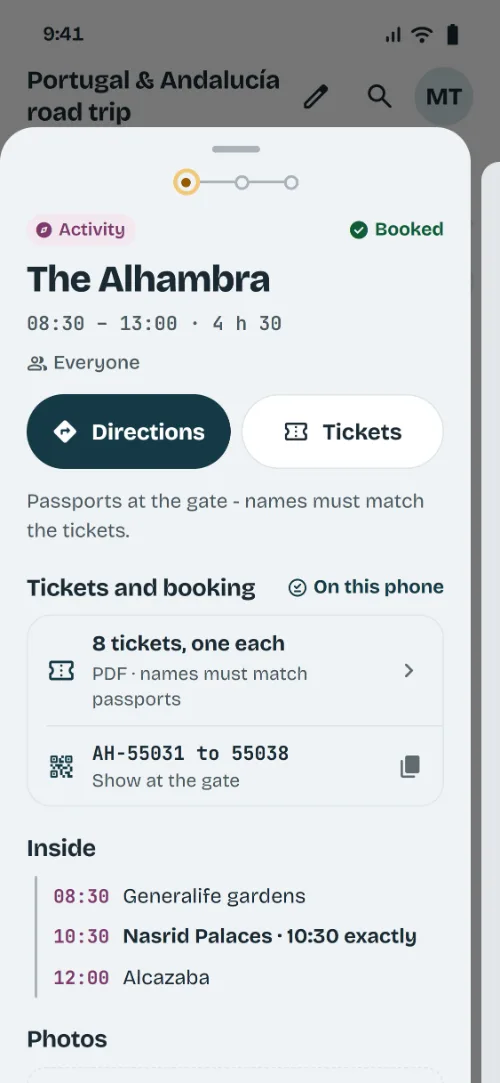
Open the activity: the address, and how long it takes to walk, drive or take transit from where you are.
SAT 13:40
KemiWho's doing the surf lesson?
AdaAm I on the museum one?
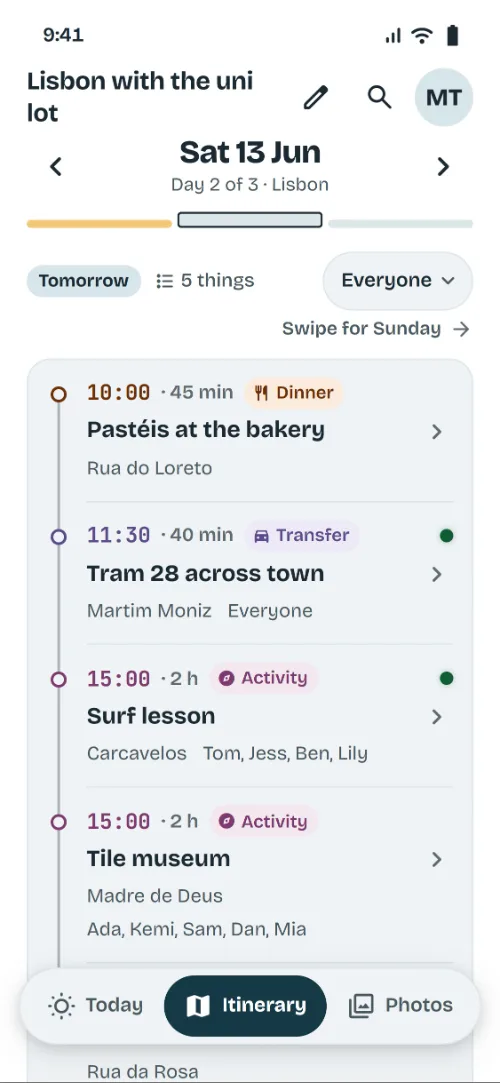
Splitting up? Everyone sees theirs.
Put who is going on each activity. The surf lot and the museum lot each see their own afternoon.
SUN 18:05
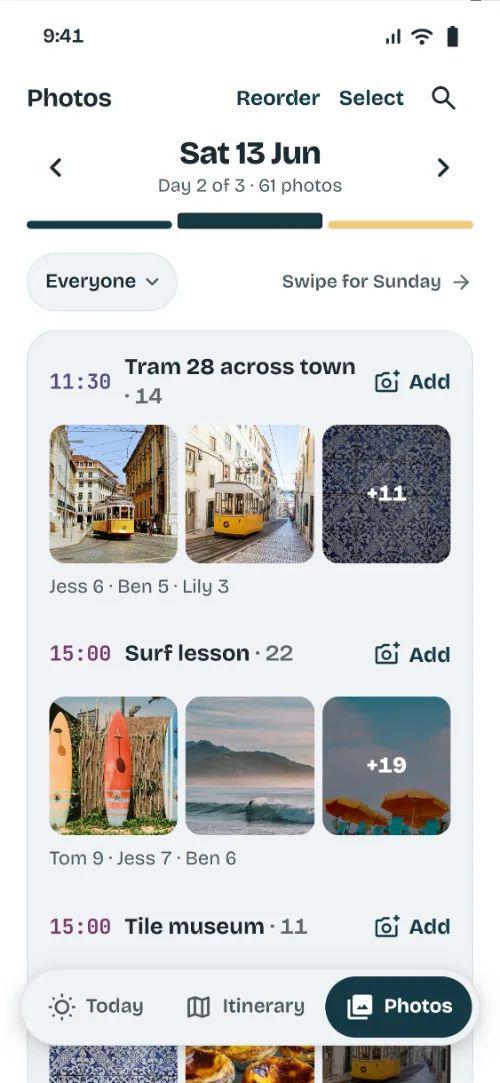
JessCan everyone send their photos?
BenWho got the one at the viewpoint?
Every photo, in its day.
Everyone adds theirs to the activity it was taken at, so the trip reads back in order.
Before you send the code
What to put in, so nobody has to ask.
- Flights or trains, with their times
- Where you are staying, with the address
- Each day's plans, with a time and a place
- Who is going to each activity
- Booking references and tickets, on their activity
- Where to meet, so the app can say when to leave
Questions
Anything else: support@checktheapp.net
Is there an app for a group trip itinerary?
Yes. Check The App holds one itinerary for the whole group. Paste this template in, send one code, and everyone has the trip on their phone: what is on now, what is next and when to leave.
Does everyone need the app?
Yes. They join with your code, a link or a QR, and pick their name from your list. Nobody needs an account to join.
Can I use my own plan?
Yes. Paste in notes, an email or a PDF, and the app lays the days out for you to check.
Can we split up for an afternoon?
Yes. Put who is going on each activity, and each person's plan opens on their own day.
Does it work abroad without data?
Yes. The plan is kept on every phone, so it still opens. Changes arrive when the signal comes back.
Can we split the cost in it?
No. It holds the plan, not the money, so keep using whatever you already split bills with.
What does it cost?
Nothing while we launch, for up to 30 people.
More plans like this
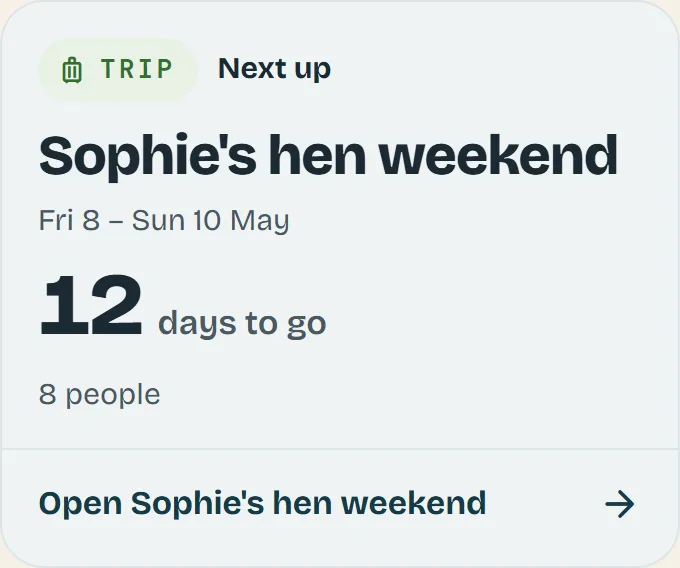
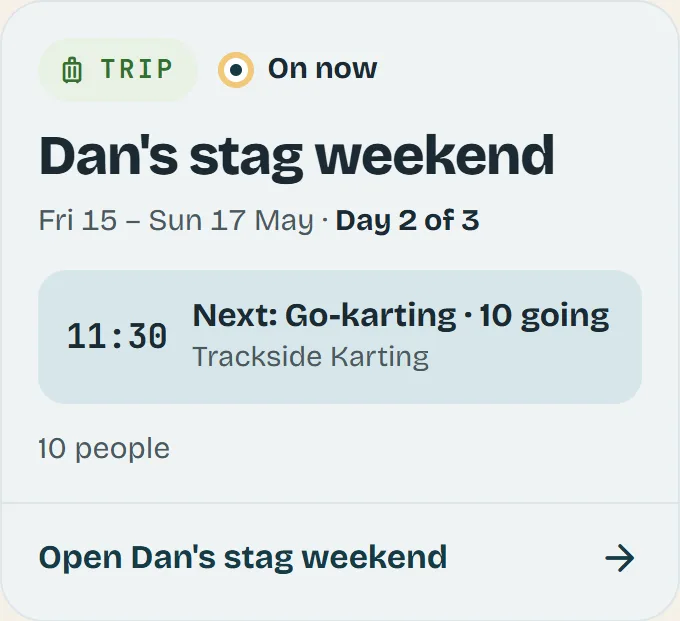
As they look in the app.
Plan the trip once. Everyone checks the app.
BenWhat are we doing tomorrow?
Check the app.